

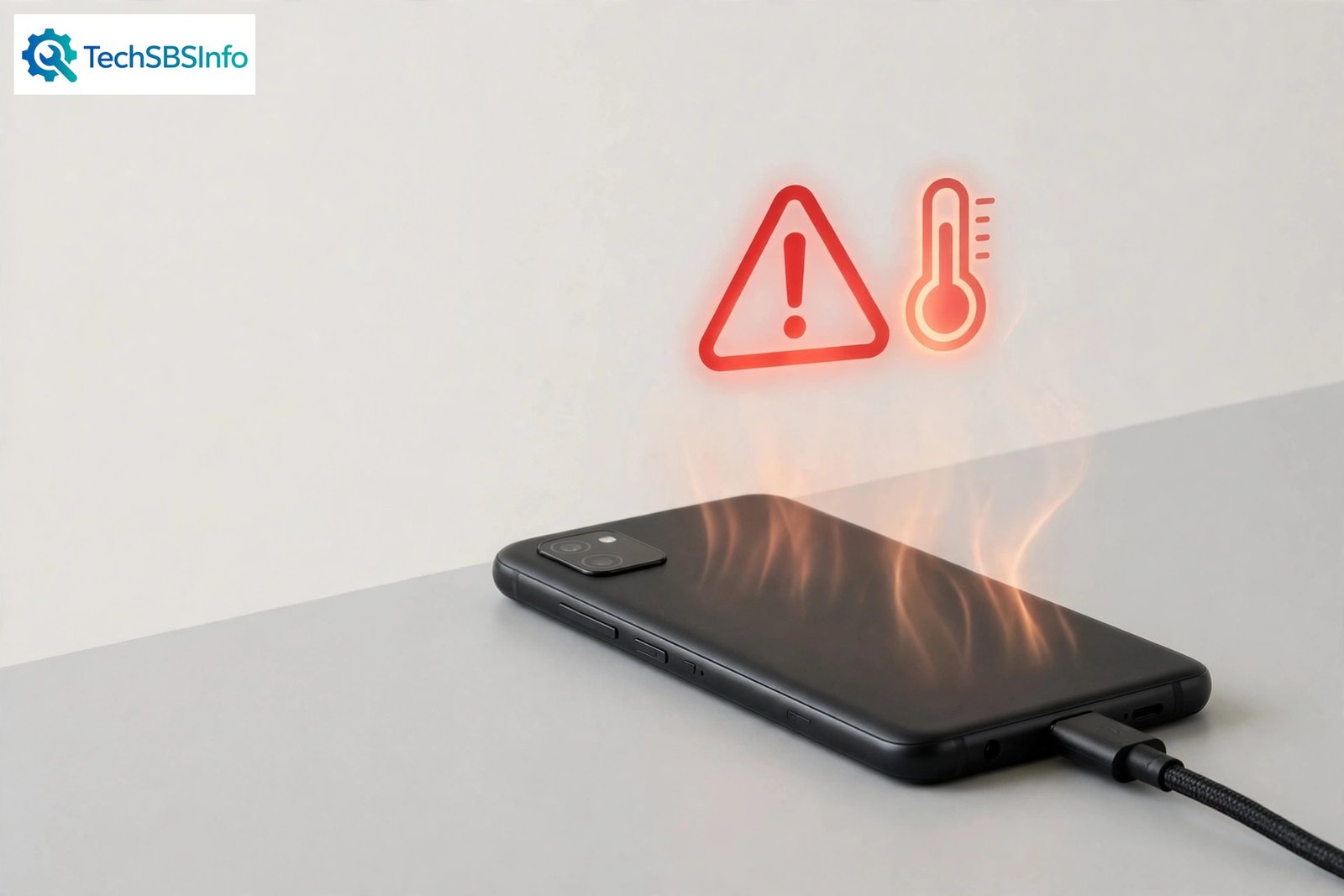
A little warmth while charging is normal, but android phone overheating while charging is a different problem. If the back of your phone feels uncomfortably hot, the screen dims on its own, or charging slows to a crawl, something is making the phone work harder than it should. The good news is that most causes are simple: the wrong charger, a thick case, heavy apps running in the background, or a hot room.
This guide walks you through the causes first, then gives you 8 fixes in order from simplest to most involved. Follow them step by step, and your phone should charge cooler and safer.
Safety first: if your phone ever feels dangerously hot to touch, the battery looks swollen, the back cover is bulging, or you smell burning plastic, stop charging immediately. Unplug the charger, move the phone to a safe surface away from anything flammable, and do not keep using it. Take it to a professional repair shop or contact your phone maker’s support. A damaged battery is a fire risk, and no software fix can make it safe.
Table of Contents
- Quick Checks
- What Causes the Heat? Diagnose First
- Fix 1: Unplug and Let the Phone Cool Down
- Fix 2: Use the Right Charger and Cable
- Fix 3: Remove the Case While Charging
- Fix 4: Stop Heavy Use and Close Background Apps While Charging
- Fix 5: Ease Off Fast Charging to Fix Android Phone Overheating While Charging
- Fix 6: Check Battery Settings and Turn On Power Saving
- Fix 7: Charge in a Cool, Well-Ventilated Spot
- Fix 8: Update Software and Get the Battery Checked
- What to Avoid
- Frequently Asked Questions
- Conclusion
- Helpful Official Resources
Quick Checks
Try these fast checks before diving into the full fixes:
- Unplug the phone for 10 minutes and let it cool down, then charge again.
- Feel the charger brick and cable — a very hot brick may be faulty.
- Take the phone case off and see if it stays cooler.
- Close games, video calls, and streaming apps while charging.
- Move the phone out of direct sunlight and away from heaters.
- Make sure you are using the charger that came with the phone, or a certified one.
- Check that the charging port is clean and free of lint or dust.
What Causes the Heat? Diagnose First
Charging always creates some heat, because electricity flowing into the battery meets resistance. Overheating happens when extra heat piles on top of that normal warmth. Use the table below to match what you see with the likely cause, then jump to the matching fix.
| Symptom | Cause | Go to Fix |
|---|---|---|
| Phone gets very hot within minutes of plugging in | Weak, damaged, or low-quality charger or cable | Fix 2 |
| Hot back with the case on, noticeably cooler without it | Thick case trapping heat against the phone | Fix 3 |
| Heat builds up while gaming, streaming, or on video calls during charging | Heavy processor and graphics load while charging | Fix 4 |
| Phone is hot and charges very slowly at the same time | Fast charging generating extra heat, or the phone throttling itself to cool down | Fix 5 |
| Battery drains fast and the phone runs warm even on the charger | Background apps, sync, and location services running nonstop | Fix 6 |
| Whole phone is warm in a hot room, car, or under a pillow | Poor ventilation and high surrounding temperature | Fix 7 |
| Heat continues after trying every fix above | Software bug, corrupt system cache, or a failing battery | Fix 8 |
Fix 1: Unplug and Let the Phone Cool Down
The simplest fix is also the safest. If your phone is already hot, stop adding heat and let it recover before you do anything else.
- Unplug the charger from the phone and from the wall.
- Place the phone on a cool, hard surface like a table or tile floor.
- Do not put it in the fridge or freezer — sudden cold can cause condensation inside the phone.
- Wait 10 to 15 minutes until the back feels only slightly warm.
- Turn off the screen and stop all apps while it cools.
- Once it is cool, plug it back in and watch whether the heat returns quickly.
Fix 2: Use the Right Charger and Cable
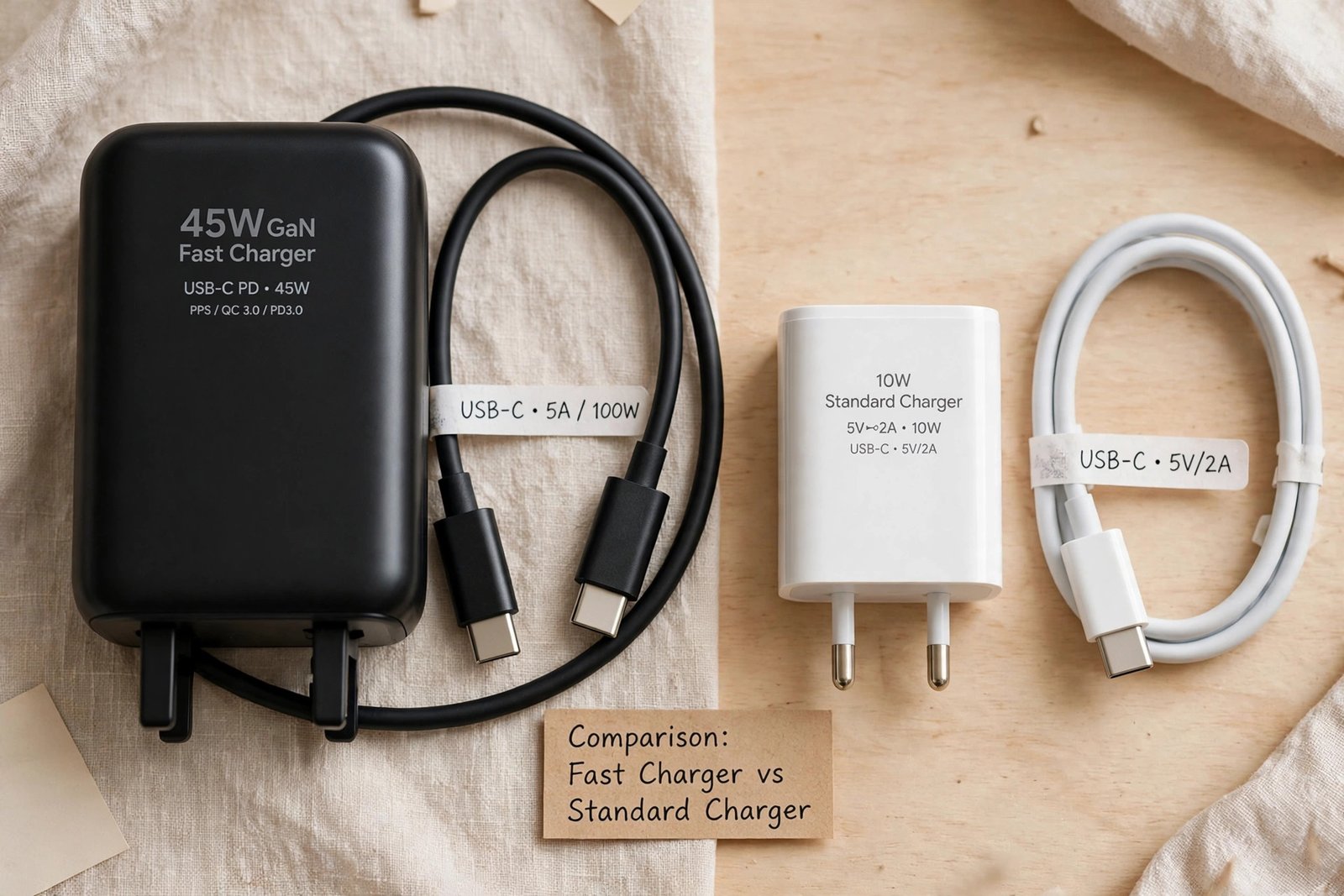
A cheap or mismatched charger is one of the most common reasons for overheating. Poor-quality chargers deliver unstable power, and the phone’s charging circuits work overtime to handle it, which creates heat.
- Use the charger and cable that came in the phone’s box whenever possible.
- If you need a replacement, buy one from the phone maker or a certified brand with proper safety marks.
- Match the wattage: a 65W charger on a phone built for 25W can push more heat than the phone handles well.
- Check the cable for frays, bent connectors, or loose plugs, and replace damaged cables.
- Look inside the charging port with a light; gently remove lint with a wooden toothpick, never a metal pin.
- If the port also fails when you connect the phone to a computer, see our guide on Android USB file transfer not working — a damaged port can cause charging trouble too.
Fix 3: Remove the Case While Charging
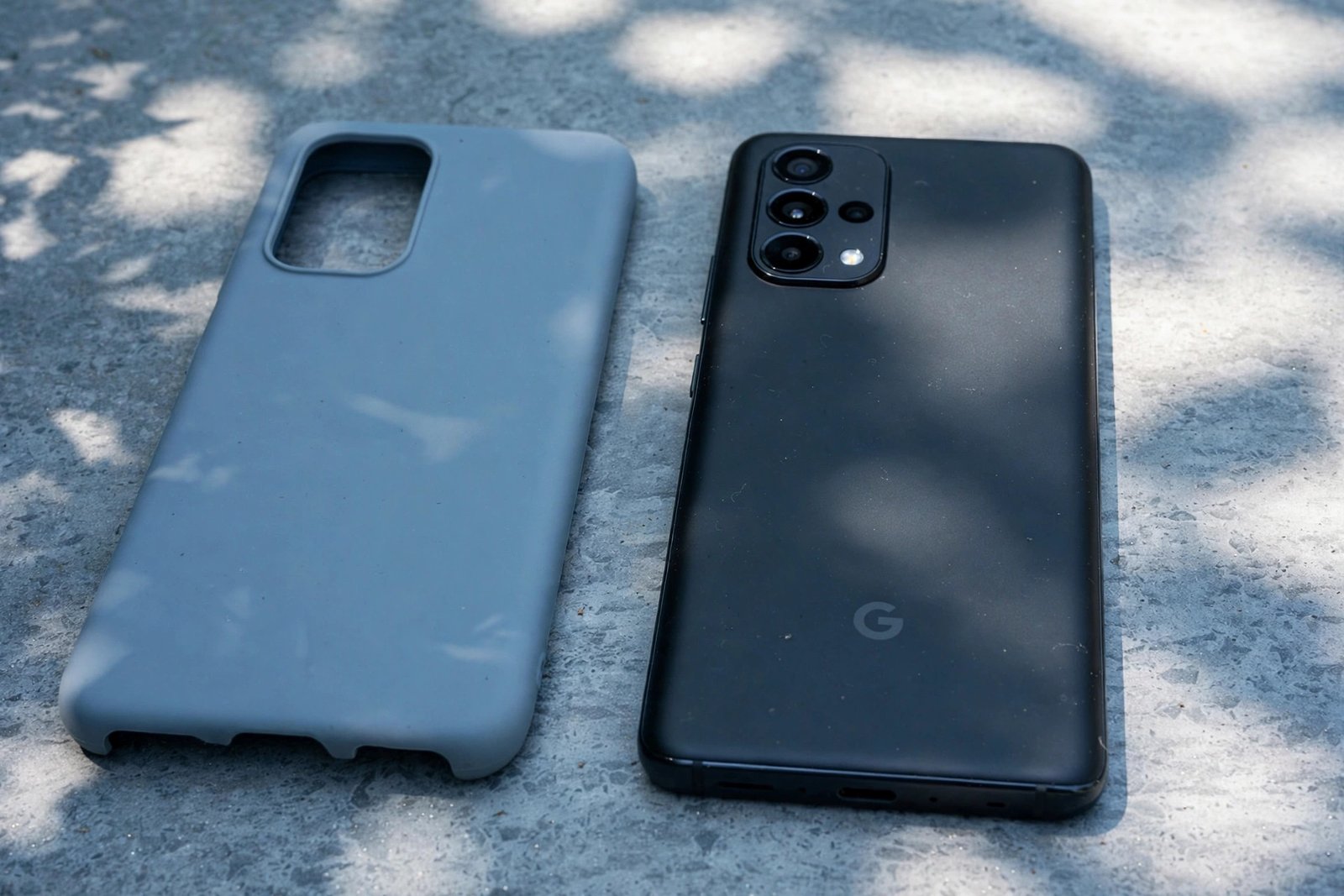
Phone cases protect against drops, but thick or rubber cases also trap heat. Charging already warms the battery, and a heavy case keeps that warmth pressed against the phone instead of letting it escape.
- Take the case off before you plug the phone in to charge.
- If the phone stays noticeably cooler without the case, the case was part of the problem.
- Consider a thinner case, or one marketed as heat-dissipating, for everyday use.
- Keep charging the phone caseless overnight or during long charging sessions.
- Do not wrap the phone in a blanket or place it under a pillow while it charges.
Fix 4: Stop Heavy Use and Close Background Apps While Charging
Using the phone while it charges makes two heat sources work at once: the processor and the battery. Games, video streaming, video calls, and navigation push the processor hard, and that heat adds directly to charging heat.
- Stop playing games or watching long videos while the phone is plugged in.
- End video calls before charging, or charge first and call later.
- Open the recent apps screen and swipe away apps you are not using.
- Turn off the mobile hotspot while charging — it heats the phone quickly. If your hotspot also misbehaves, our guide on Android hotspot connected but no internet can help.
- Switch off Bluetooth and location services if you do not need them during charging.
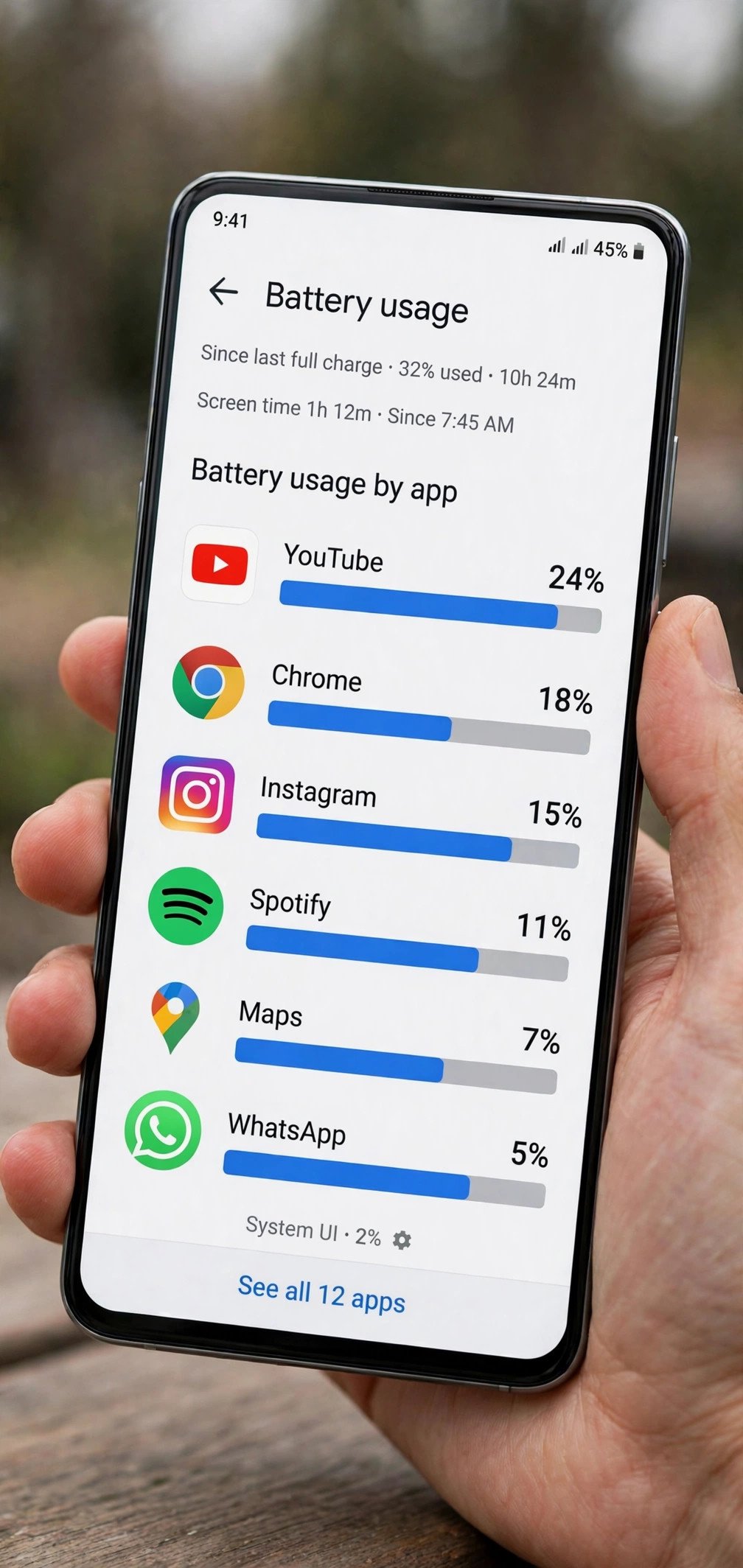
- Check which apps use the most battery under Settings > Battery > Battery usage, and restrict the worst offenders.
Fix 5: Ease Off Fast Charging to Fix Android Phone Overheating While Charging
Fast charging pushes a lot of power into the battery in a short time, and power means heat. If android phone overheating while charging keeps happening with fast charging on, slowing the charge rate often solves it.
- Open Settings > Battery and look for a fast charging or super-fast charging toggle, then turn it off.
- Charge overnight with a standard low-wattage charger instead of a fast one.
- Avoid wireless charging if your phone gets hot on the pad — wireless charging is less efficient and creates more heat.
- Do not charge from 0 to 100 percent in one fast burst every day; smaller top-ups create less heat stress.
- If you only need a quick top-up, use fast charging briefly, then switch back to normal charging.
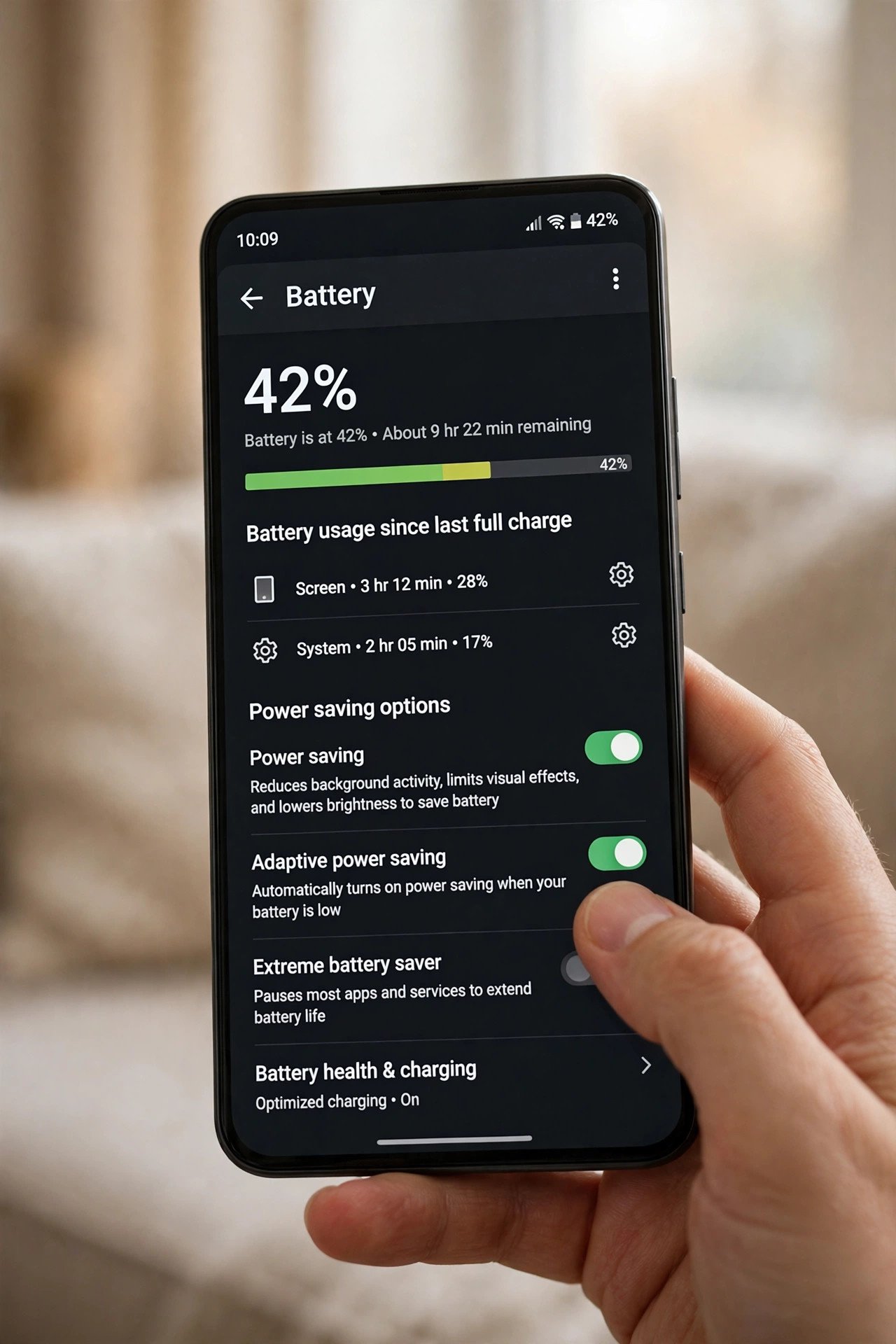
Fix 6: Check Battery Settings and Turn On Power Saving
Background activity is a silent heater. Email sync, cloud backups, app updates, and location tracking keep the processor awake while the battery is trying to charge, and the two fight each other.
- Go to Settings > Battery and review the battery usage list for the last 24 hours.
- Tap any app with unusually high usage and choose to restrict its background activity.
- Turn on Battery Saver or Power Saving mode while charging.
- Go to Settings > Accounts and turn off auto-sync for accounts you do not need right now.
- Open the Play Store settings and pause automatic app updates during charging.
- A phone packed with a full storage can also run hotter, because the system struggles with updates and caching — see Android storage full but nothing stored if space is tight.
Fix 7: Charge in a Cool, Well-Ventilated Spot
Where you charge matters as much as how you charge. A phone charging in a hot car, in direct sunlight, or buried under bedding cannot shed heat, so its temperature keeps climbing.
- Charge the phone in the coolest room you have, away from windows and heaters.
- Never leave a charging phone on a car dashboard or seat in the sun.
- Keep the phone on a hard, flat surface so air can move around it.
- Do not charge under a pillow, inside a bag, or under blankets.
- If the room itself is very hot, charge near a fan or in an air-conditioned space.
- Remove anything stacked on top of the phone while it charges.
Fix 8: Update Software and Get the Battery Checked
If the heat persists after all the fixes above, the cause may be software or hardware. A buggy system update can keep the processor awake, and an aging battery generates more internal heat as its chemistry wears out.
- Go to Settings > Software update and install any pending updates.
- Update your most-used apps from the Play Store, since old app versions can misbehave.
- Restart the phone after updates to clear stuck background processes.
- Check battery health if your phone shows it under Settings > Battery > Battery health.
- If the battery drains unusually fast alongside the heat, the battery itself may be wearing out.
- Back up your data, then visit an authorised service centre for a battery test.
- If you also use a Windows laptop, charging and battery problems there have their own causes — see Windows laptop battery not charging for that side.
What to Avoid
- Do not keep charging a phone that is too hot to hold comfortably.
- Do not put a hot phone in the fridge or freezer to cool it fast.
- Do not use cheap, uncertified chargers or cables from unknown sellers.
- Do not charge the phone under a pillow, blanket, or inside a closed bag.
- Do not ignore a swollen battery or a back cover that is lifting.
- Do not install “battery cooler” apps from unknown sources — many are adware.
- Do not open the phone yourself to inspect the battery unless you are trained.
Frequently Asked Questions
Is it normal for my phone to get warm while charging?
Mild warmth is normal, especially with fast charging. It becomes a problem when the phone feels uncomfortably hot, the screen dims by itself, charging slows down sharply, or you see a temperature warning. Those signs mean you should work through the fixes above.
Can overheating while charging damage my battery?
Yes. Repeated high heat speeds up battery wear and shortens how long the battery lasts over the months. Keeping the phone cooler while charging is one of the best things you can do for long-term battery health.
Should I charge my phone overnight if it overheats?
Only after you have fixed the cause. Overnight charging itself is fine on modern phones, because they stop at full charge, but hours of extra heat on an already-hot phone will wear the battery faster. Fix the heat first, then overnight charging is safe.
Does fast charging always cause overheating?
No. Well-designed fast charging is safe on phones built for it. But if your phone runs hot with fast charging on, turning it off and using a standard charger is a simple way to cut the heat, as described in Fix 5.
Why does my phone get hot only with one particular charger?
That charger is very likely the problem. It may deliver unstable voltage, the wrong wattage, or have a damaged cable. Stop using it and switch to the original or a certified replacement.
When should I take my phone to a repair shop?
Go to a professional if the phone stays hot after all 8 fixes, the battery drains very fast, the back cover is bulging, or you notice any swelling or burning smell. Do not keep using a phone with a damaged battery.
Conclusion
Android phone overheating while charging is usually caused by something simple: the wrong charger, a heat-trapping case, heavy apps running during charging, or a hot spot with no airflow. Work through the 8 fixes in order, starting with cooling the phone down and checking your charger, and most phones charge noticeably cooler right away. Keep the safety warning in mind — a dangerously hot or swollen battery needs a professional, not a settings tweak. Charge cool, and your battery will thank you with a longer life.
[…] The box charger is the reference standard. Every diagnosis starts by testing against it — if the original combo fast-charges, the phone is innocent and the accessories are guilty. If the phone also gets hot while charging, see Android phone overheating while charging. […]